One QR label for each tote or item
Scan the label to open the right tote or item and see what you saved about it.
Loading Ridgway Storage Company…
Build a searchable inventory of what you own with QR labels, photos, saved locations, contents, and groups. Add optional Bluetooth locators only where they are useful.
Use the storage you already own, or start fresh with RSC totes.
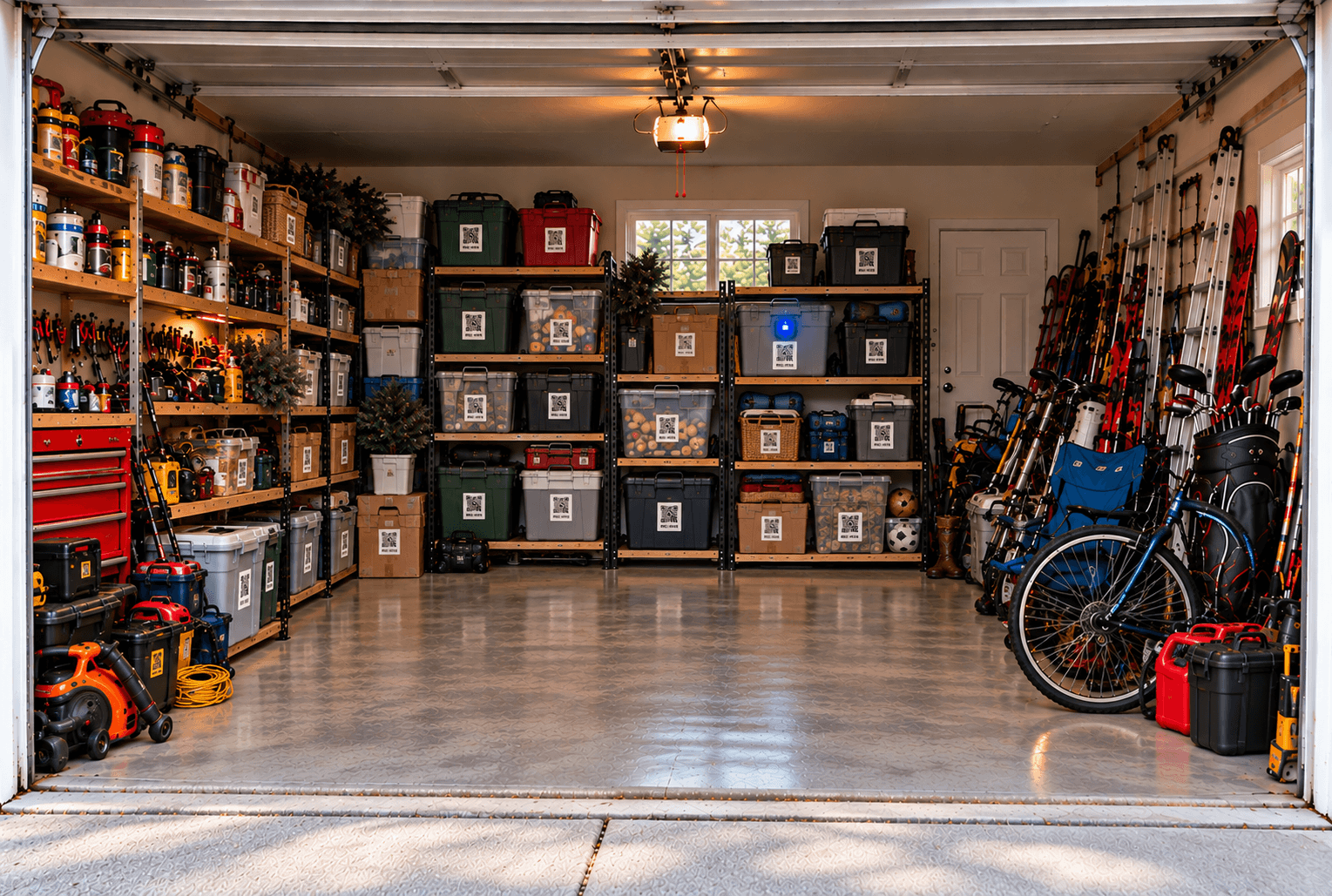
RSC at Home connects the details you need when you are organizing, searching, moving, or documenting what you own.
Scan the label to open the right tote or item and see what you saved about it.
Give it a name, add photos, and list what is inside.
Save a location that makes sense to you, from a room all the way down to a rack or shelf.
Search names, what’s inside, locations, and groups to find what you need.
Group things like Camping Gear, Christmas, Winter Clothes, or Hunting Gear even when they’re stored in different places.
Add receipts, purchase details, notes, warranties, and other documents when they’re useful.
Built with documentation and recordkeeping features designed to support insurance and home inventory needs.
RSC at Home works with mixed household storage, from cardboard boxes and bins to equipment and totes you already have.
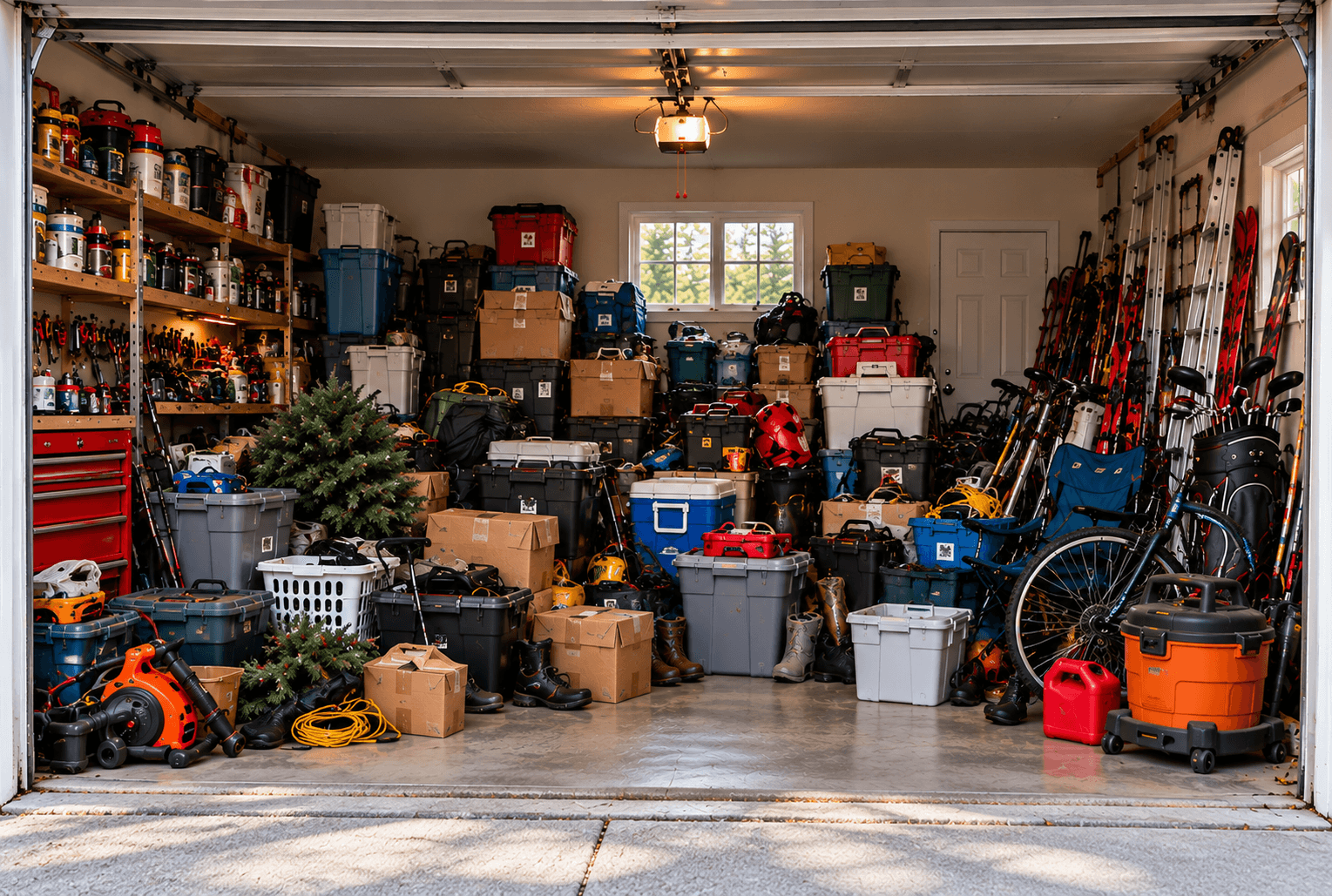
Begin with the core QR system, then add only the physical products that make sense for your storage.
Add serialized RSC QR labels to totes, boxes, crates, containers, equipment, and appropriate belongings you already own.
Add a compatible locator to selected QR-tagged containers when physical finding help would be useful. Not every asset needs one.
Start fresh with RSC totes supplied with serialized QR labels, with or without the optional Bluetooth locator.
The physical label carries a stable serialized QR identity. Names, contents, categories, locations, photos, and optional locator assignments stay in the database and can change without replacing the label.
Put an RSC at Home QR label on a tote, container, or individual belonging.
Give it a name, add a photo, and list what’s inside.
Record where you keep it, such as Garage → Rack A → Shelf 2.
Search for what you need and see exactly where it is.
Create groups like Camping Gear, Christmas, Winter Clothes, Hunting Gear, Beach, or Tools. The items can be stored in different totes and different places.
Use Find All to see everything in the group at once, even when it’s stored in different places.
Optional compatible locator lights can help you identify a selected container or belonging nearby. The paired light activates when you use the appropriate Find function.
Locator lights are optional. Your QR labels, saved locations, groups, and search still work without them. Large, obvious items can keep a QR identity without a locator.
Tell us what you want to organize and how many labels would help.